Makitro
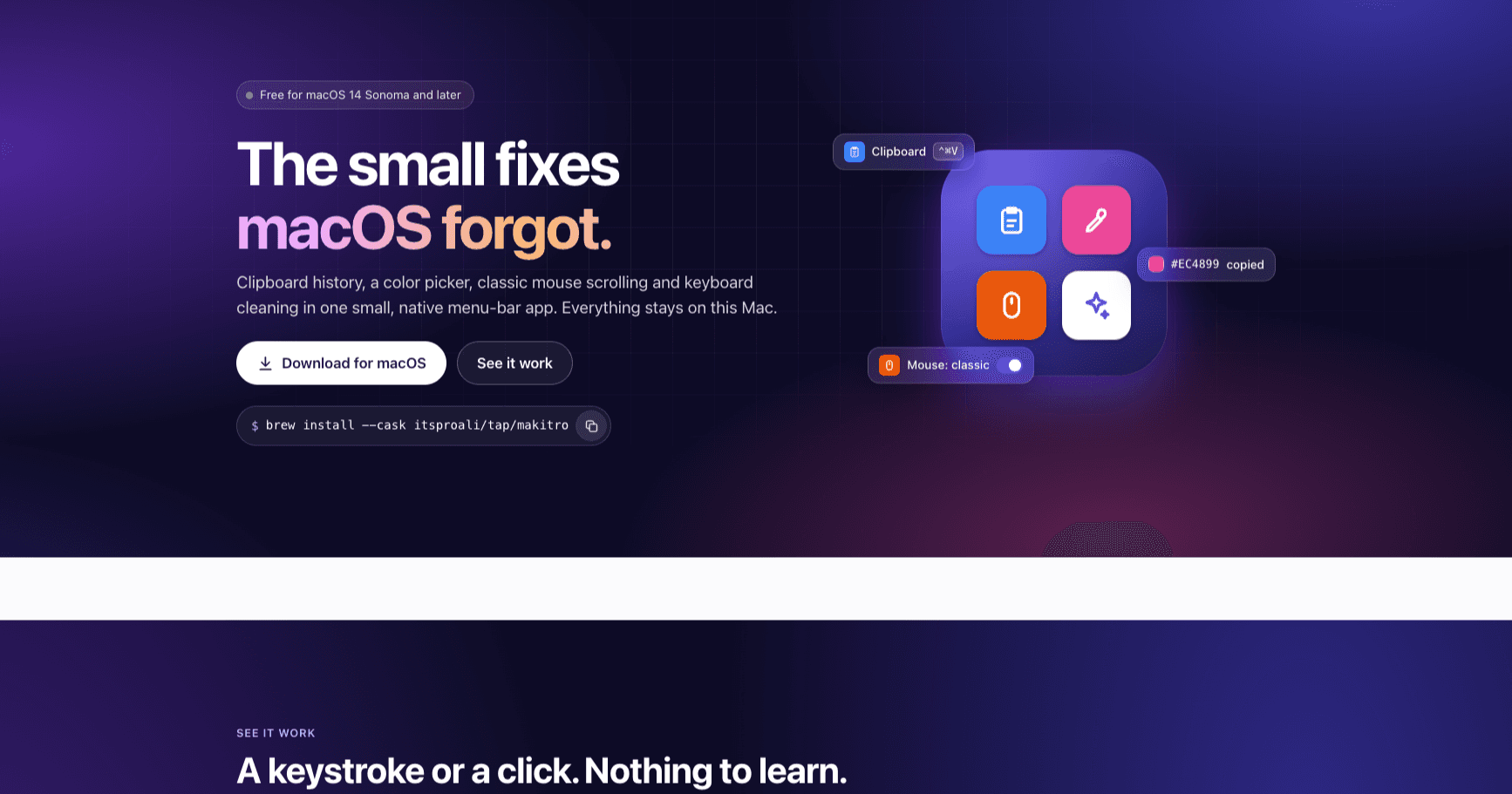
The small fixes macOS forgot: clipboard history, a colour picker, classic mouse scrolling and keyboard cleaning in one native menu-bar app.
- 4
- Free utilities
- None
- Data sent off the Mac
- macOS 14+
- Runs on
Overview
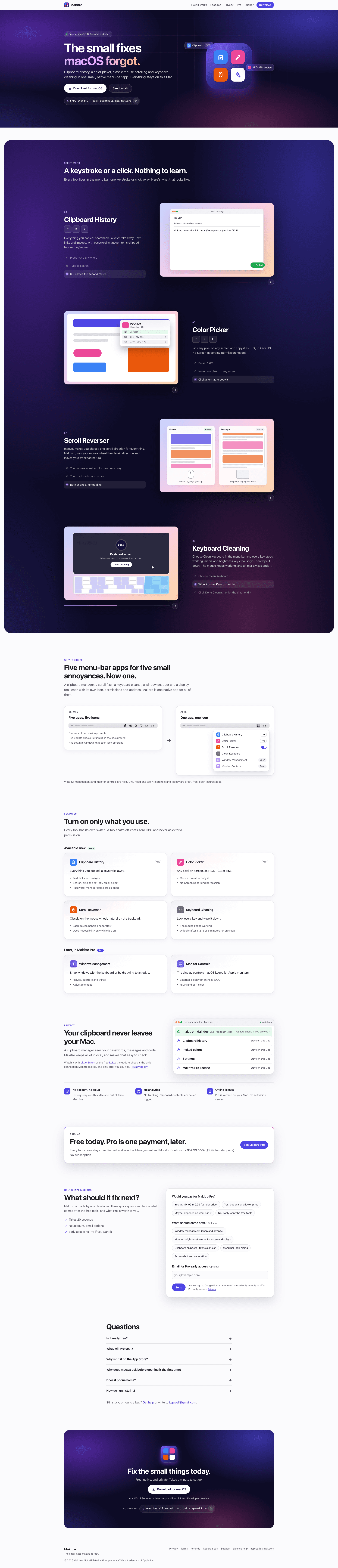
Makitro replaces a handful of single-purpose menu-bar apps with one small, native toolkit. Clipboard history, a colour picker, a scroll reverser for external mice and a keyboard-cleaning lock all live behind one icon, with a PowerToys-style window for settings. Window management and external-monitor controls are coming as a one-time Pro upgrade; everything free today stays free.
This one is mine from idea to release: I designed it, wrote the native macOS app, and ship it myself as a DMG and a Homebrew cask. The app is SwiftUI with AppKit and CoreGraphics underneath for system integration, GRDB for local history and Sparkle for updates. It's private by design: nothing leaves the Mac, history stays out of screen shares and Time Machine, password-manager copies are skipped, and Pro licenses are checked offline. The marketing site is Next.js, with a Cloudflare Worker as the license server.
What it does
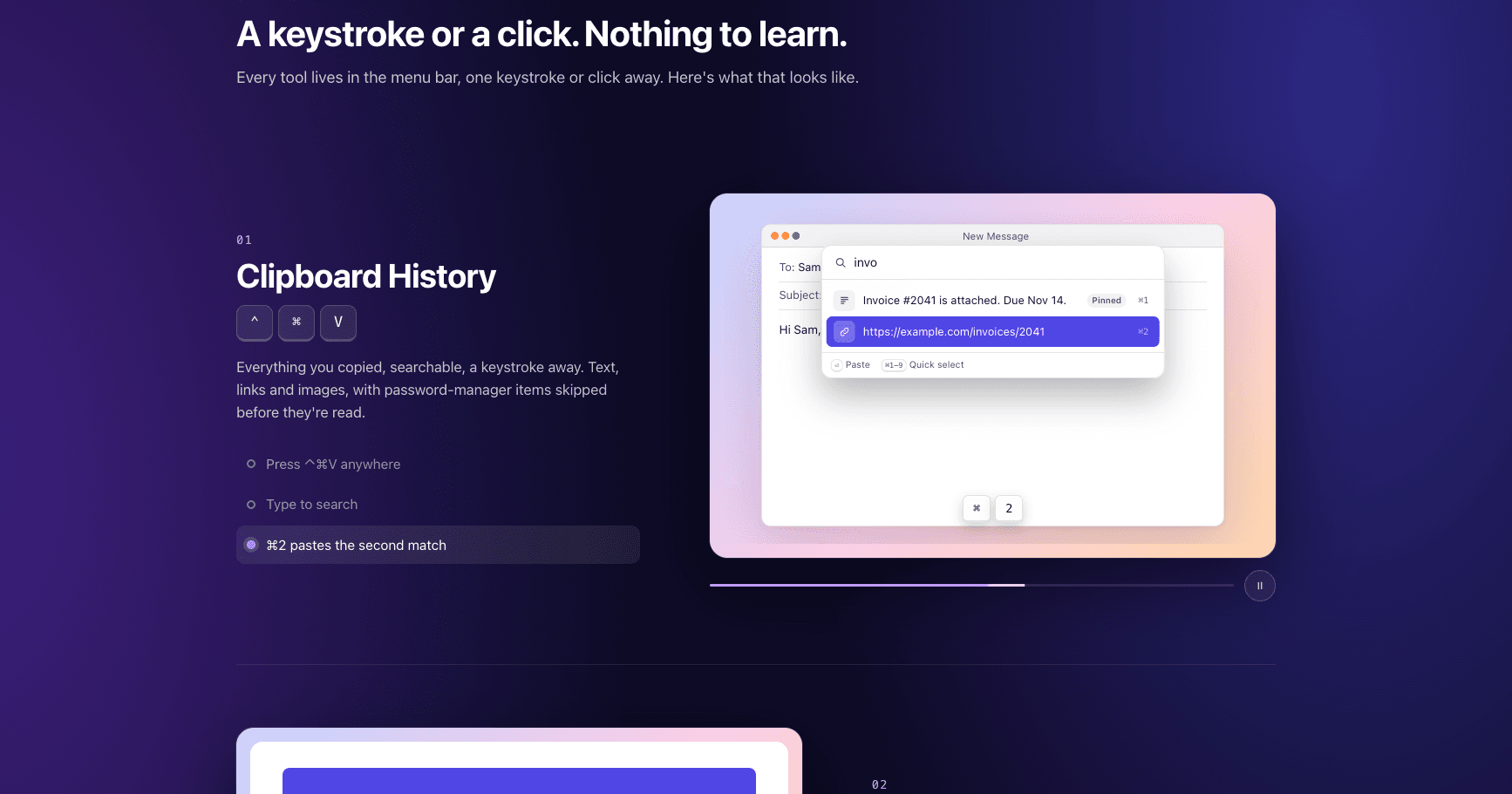
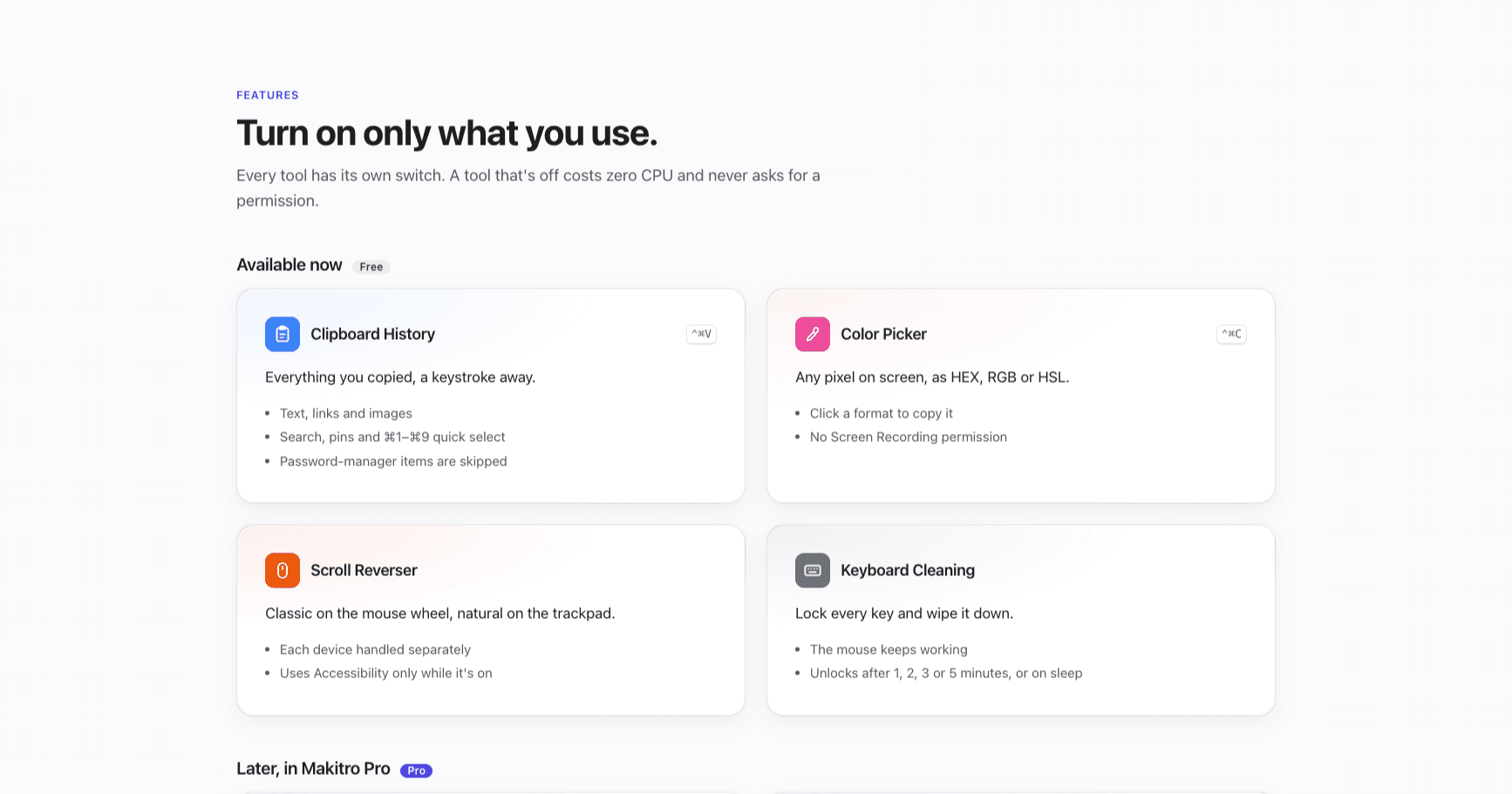
- Clipboard history for text, links and images, searchable from ⌃⌘V, pasting where you were typing
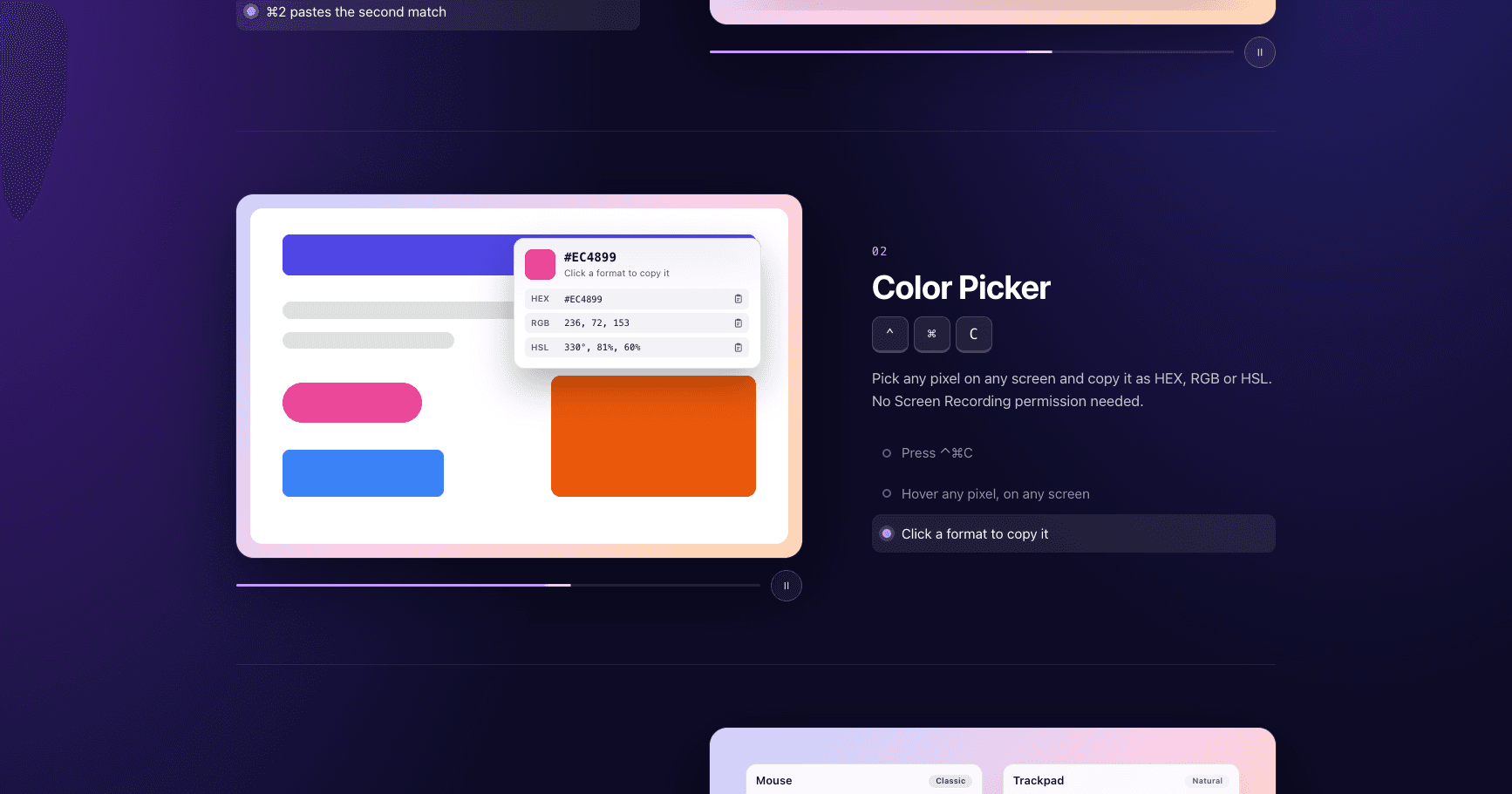
- Colour picker that copies HEX, rgb() or hsl() without Screen Recording permission
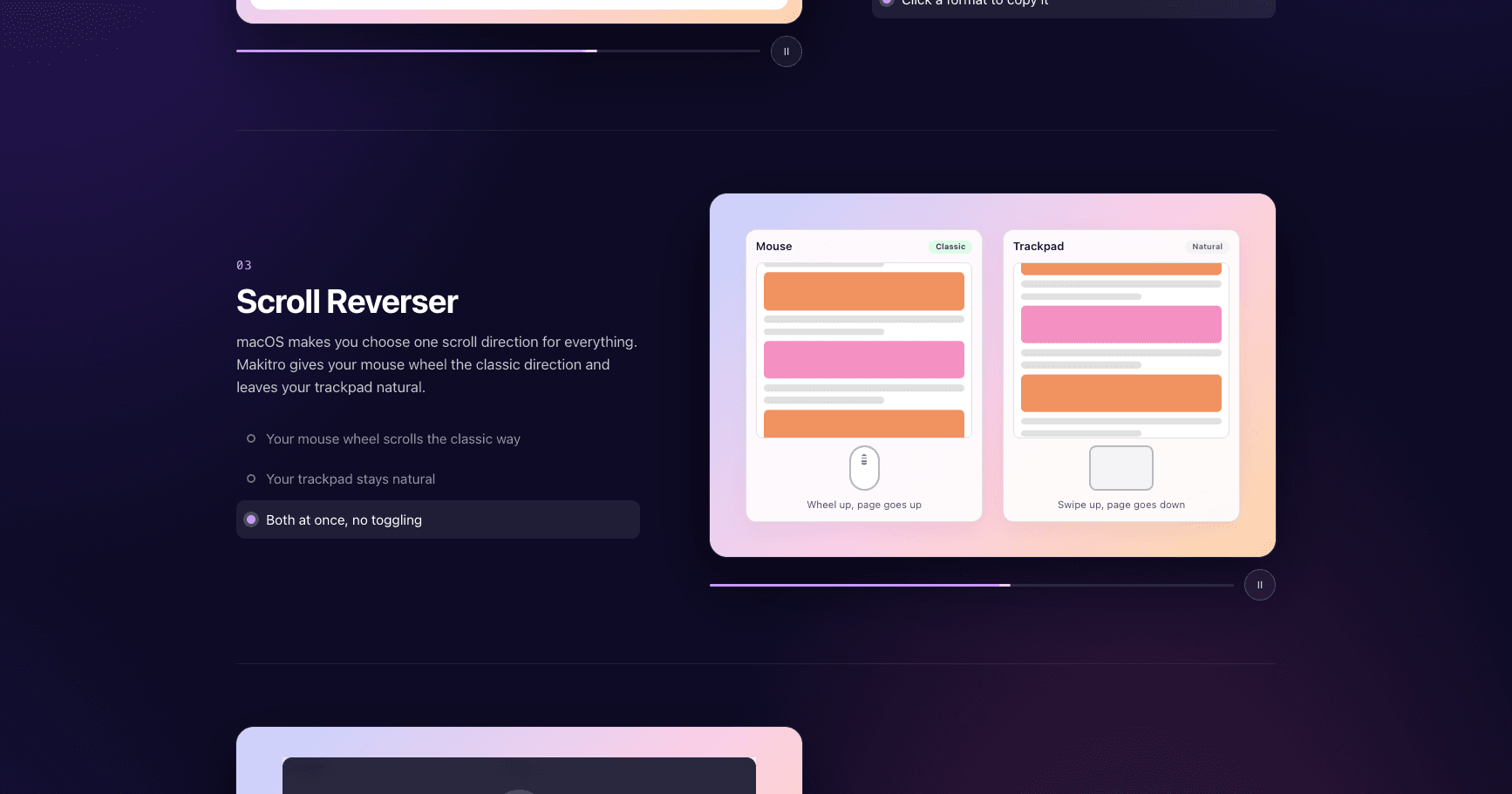
- Scroll reverser: classic wheel scrolling on the mouse, natural on the trackpad
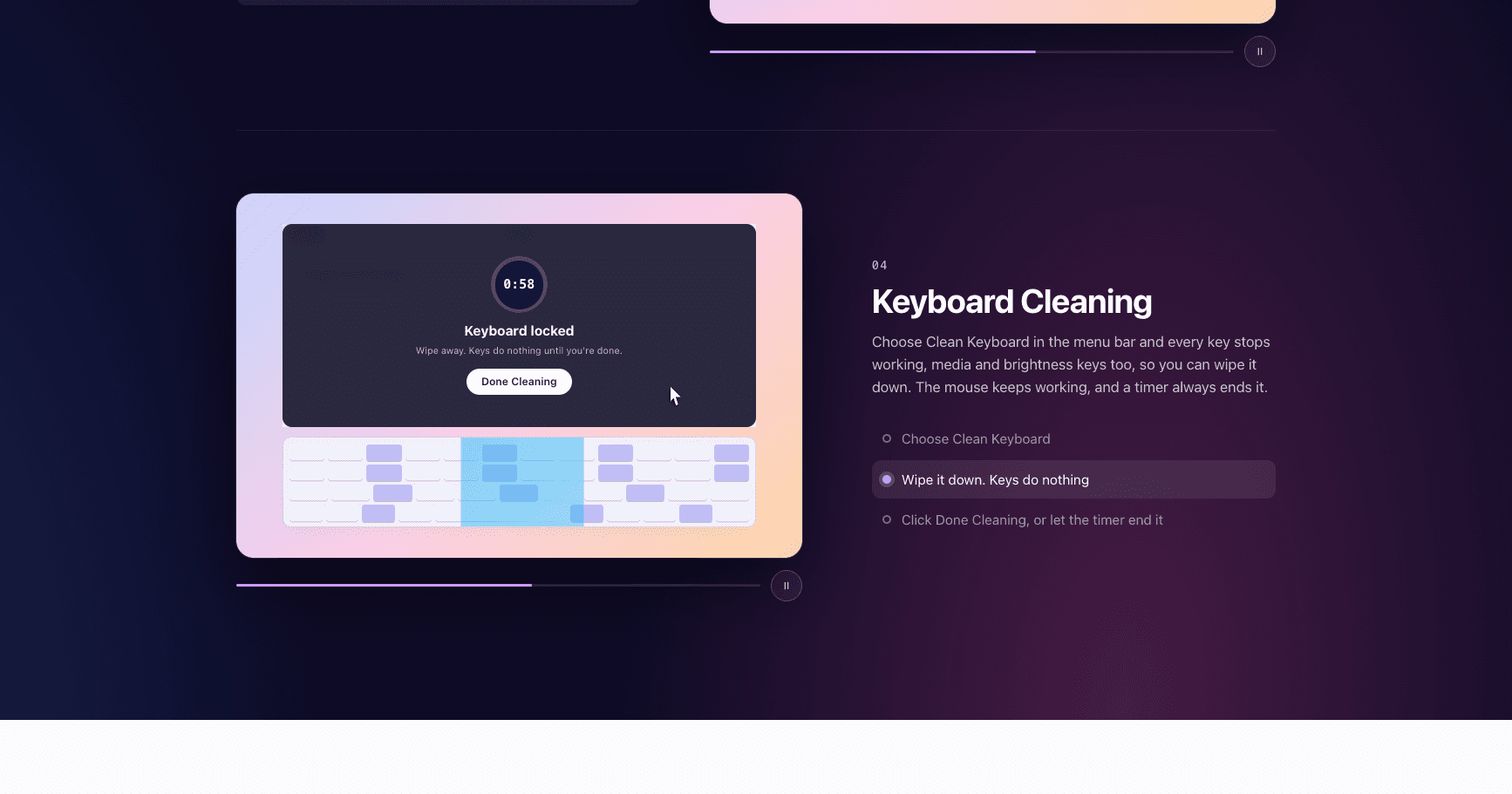
- Keyboard cleaning lock that unlocks itself after a timer or on sleep
- Local-only by design: no account, no analytics, offline license checks
- Automatic updates via Sparkle, shipped as a DMG and a Homebrew cask
Screens